
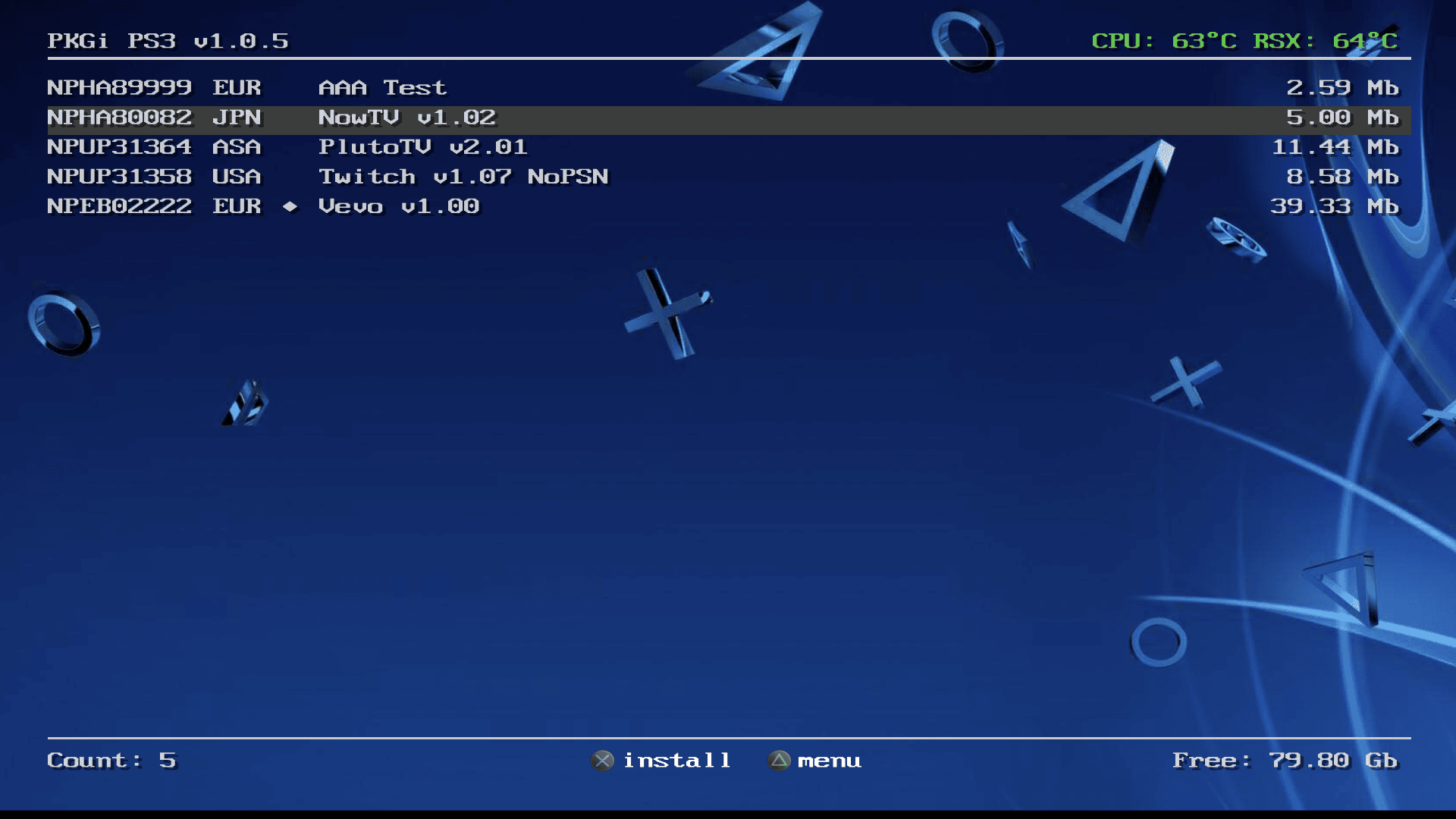
PKGips3 is a fast and reliable tool that lets you browse, download, and install PS3 packages directly on your console. Access a seamless experience with easy setup, smooth performance, and secure downloads.
Downloads Worldwide
Stable Performance
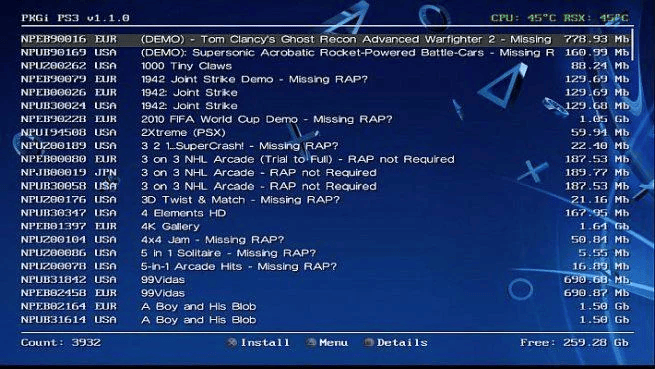
About PKGips3
PKGips3 is a powerful homebrew application designed to simplify how you download and manage PS3 packages. With a clean interface and direct access to online repositories, it eliminates the need for manual file transfers. Whether you’re installing games, updates, or DLCs, PKGips3 ensures a smooth and efficient process right from your console.
Core Features
Download PS3 packages directly on your console without needing a PC or external tools.
Enjoy quick loading and smooth navigation with an optimized and lightweight interface.
Browse, organize, and install your PKG files effortlessly with a user-friendly system.
Connect to online sources and access a wide range of PS3 content in one place.
Ensure safe and verified downloads with reliable sources and minimal risk.
Get started quickly with easy installation and minimal configuration required.
Performance Overview
PKGips3 is built to deliver a smooth and efficient experience for PS3 users. From fast downloads to stable installations, every feature is designed to minimize errors and maximize performance, making it one of the most reliable tools for managing PS3 packages.
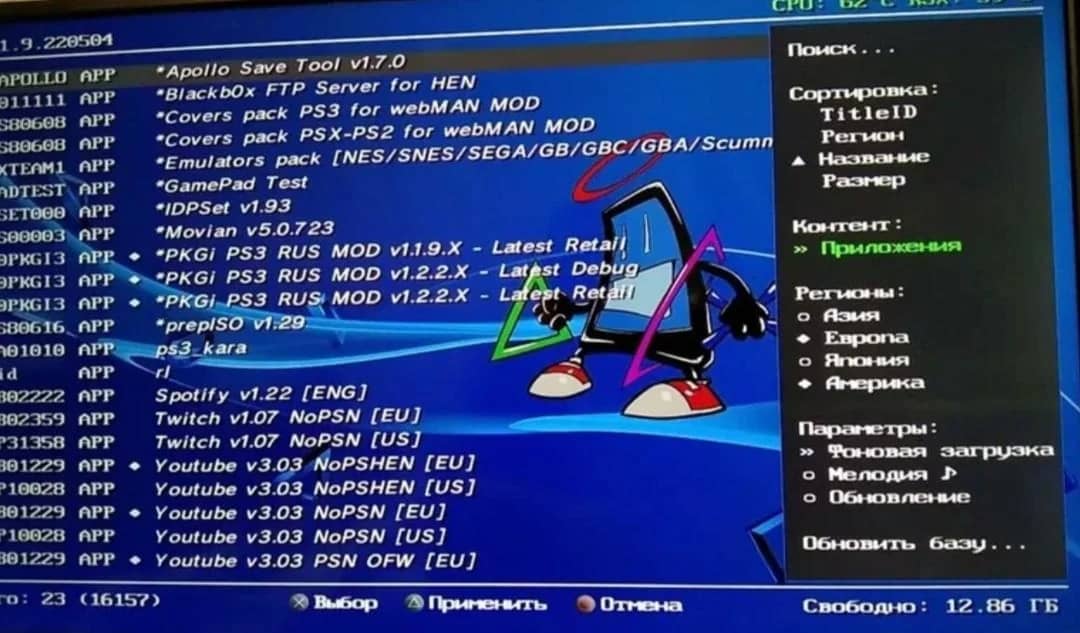
Helpful Guides

Learn how to safely download PKGips3 files, verify integrity, and choose the correct version for your setup.

Step-by-step instructions to install PKGips3 on your PS3, including required setup and initial configuration.

Fix common issues, errors, and performance problems with easy solutions and practical tips.
Powerful Interface
Built specifically for PS3, offering smooth navigation and easy control using your controller.
Clean and structured interface makes browsing and managing packages simple and efficient.
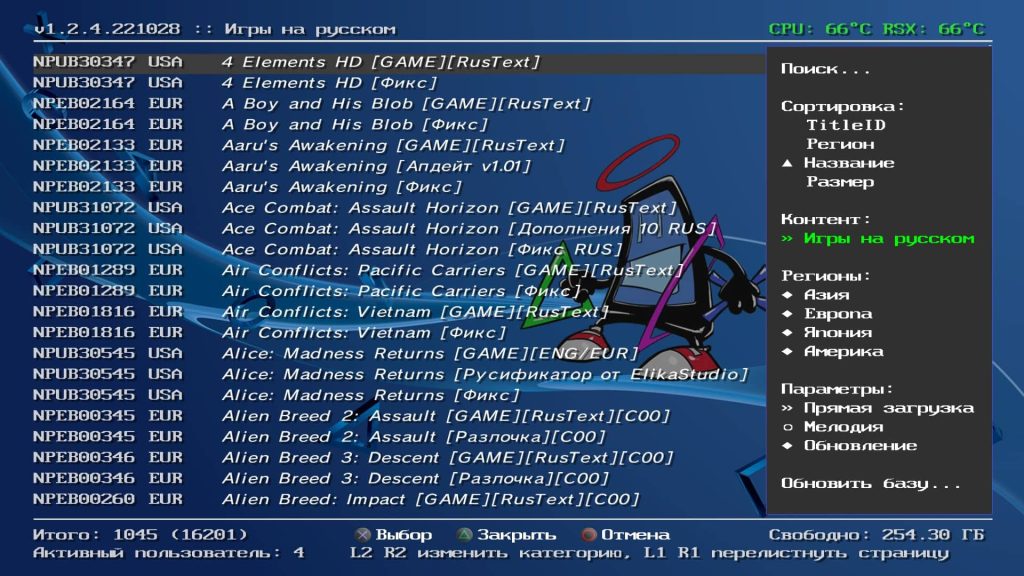
Instantly access your downloads, installed files, and repositories without delays.
Stay updated with the latest packages and content directly through the application.
Total Downloads
Countries Reached
Uptime Stability
Available Packages
Community Driven
PKGips3 is designed for the PlayStation 3 community to make downloading and managing packages easier than ever. With a focus on speed, simplicity, and reliability, it provides users with a smooth experience for accessing game content and updates directly on their console.
Testimonials
Thousands of PS3 users rely on PKGips3 for fast, secure, and hassle-free downloads. Here’s what some of them have to say about their experience using the tool.
PKGips3 made downloading and installing games incredibly easy. The interface is simple, and everything works smoothly without any issues.

I love how fast and reliable PKGips3 is. It saves so much time compared to manual methods, and the setup process was very straightforward.

This is one of the best tools available for PS3 package management. Stable performance and easy navigation make it my go-to solution.

Find answers to the most common questions about PKGips3, including installation, usage, compatibility, and troubleshooting. This section helps you quickly resolve issues and understand how the tool works.
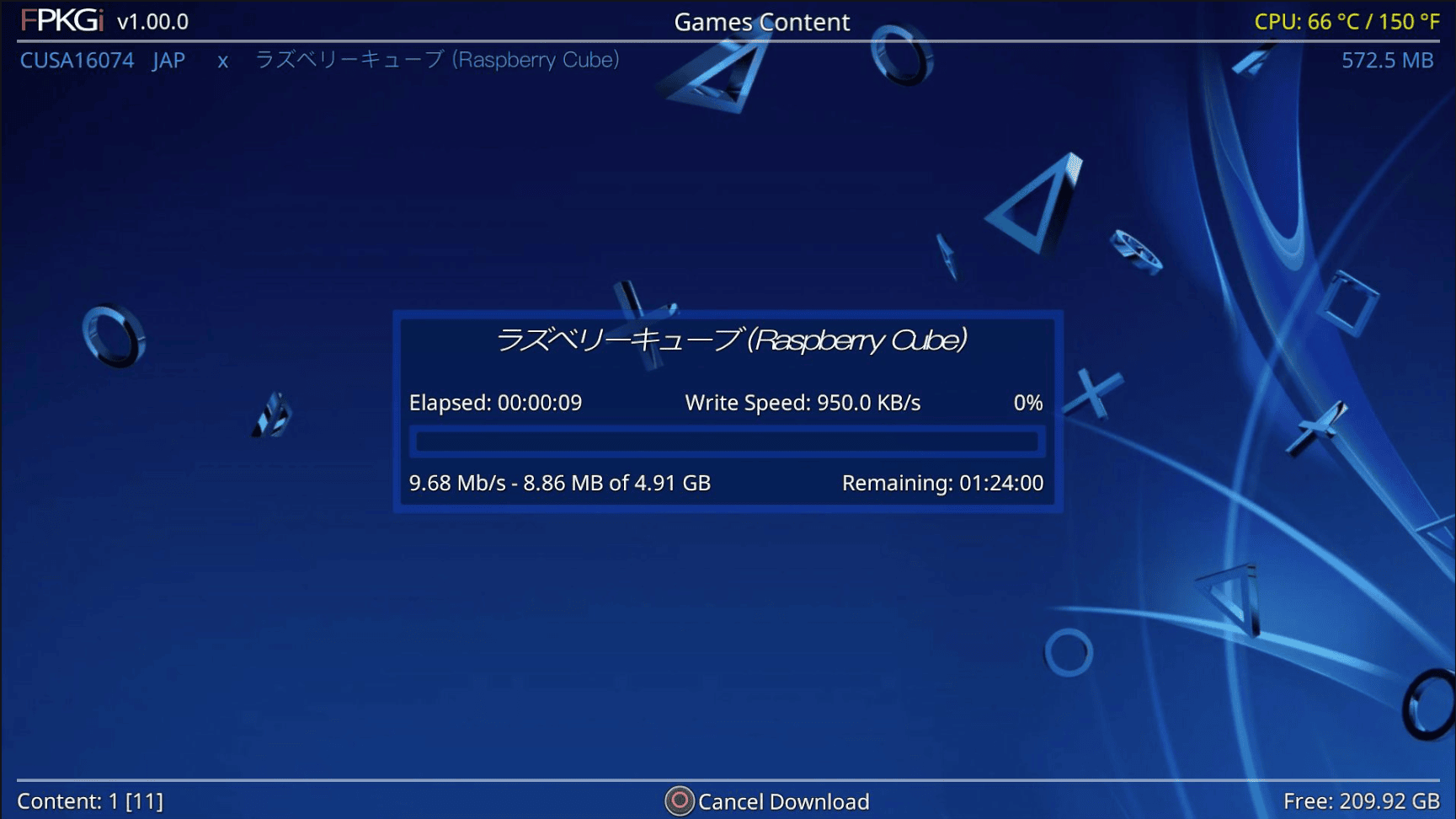
PKGi on PS3 is a homebrew tool that lets users download and install PKG files directly on the console without needing a PC.
It is mainly used to:
👉 In short, PKGi makes installing content on PS3 faster and easier.
For more guides and updates, visit: https://pkgips3.com/
A PKG file on PS3 (PlayStation Package file) is a digital installation format used by the PlayStation 3 system to install different types of content directly onto the console.
It works like an installer package, meaning it contains all the required data needed to set up a game, application, update, or add-on on the PS3 system.
Yes, PKG files can be installed on a PS3 console, as they are the standard package format used to install games, apps, updates, and downloadable content.
The PS3 uses a built-in Package Manager that reads and installs these files directly on the system.
How PKG files are installed on PS3:
Important requirements:
PKG files can be safe to use on PS3, but their safety depends entirely on the source of the file.
Official PKG files from trusted or verified sources are generally safe, while files from unknown or untrusted websites may carry risks.
When PKG files are safe:
Possible risks of unsafe PKG files:
👉 In simple words, PKG files are safe only if they come from a reliable and trusted source.
The lowest storage capacity for a PS3 is typically 12GB, which was available in some later Super Slim models.
However, most PS3 consoles commonly come with:
Important points:
👉 In simple words, the lowest PS3 storage available is 12GB, but larger storage versions are more common and practical for gaming.
For more PS3 guides and updates, visit: https://pkgips3.com/blog/
Latest Articles